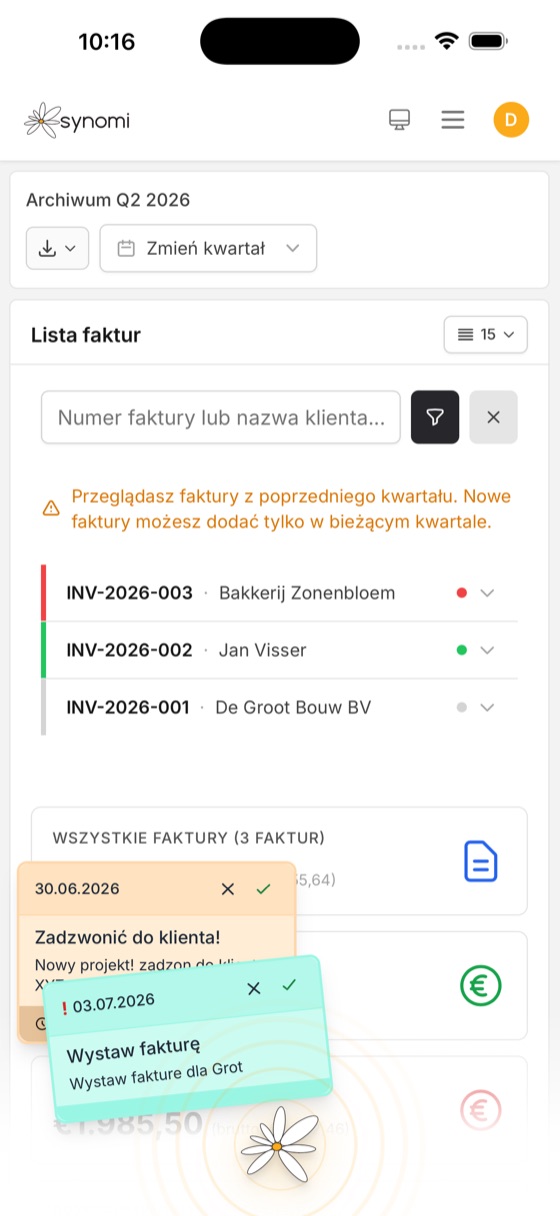
Send sales invoices in PDF and XML at the same time. Our XML follows Peppol BIS 3.0 (UBL 2.1), the standard used across Europe — which means any client working with that format loads your invoice in a single click. And if you work with clients in Poland, you can issue an invoice for the Polish KSeF system — Synomi will then prepare an XML file that follows the KSeF standard. With no extra fees and no limit on numbers, you can send:
- a standard invoice with VAT (BTW),
- a reverse-charge invoice (BTW-Verlegd) for clients within the EU — the moment you issue it, Synomi automatically checks whether you can send this client that type of invoice, and pulls a report from the VIES system that you can print later,
- credit notes — every kind of correction: quantity, price, other reasons,
- VAT margin scheme invoices — if you sell second-hand goods,
- recurring invoices* — set up a template and let Synomi send invoices at whatever interval you choose: a week, a month, every 5 days — it’s up to you. Especially handy for the invoices you send again and again.
Invoices are issued net for businesses and gross for private clients. Synomi also handles multiple trade names: registered more than one? You can invoice from each of them — even with its own numbering, colours and logo. Just the way you want it.
Every invoice comes out in Dutch and carries a QR code that makes paying easy in the banking apps the Netherlands uses most.
*) Requires the add-on Calendar & admin module.
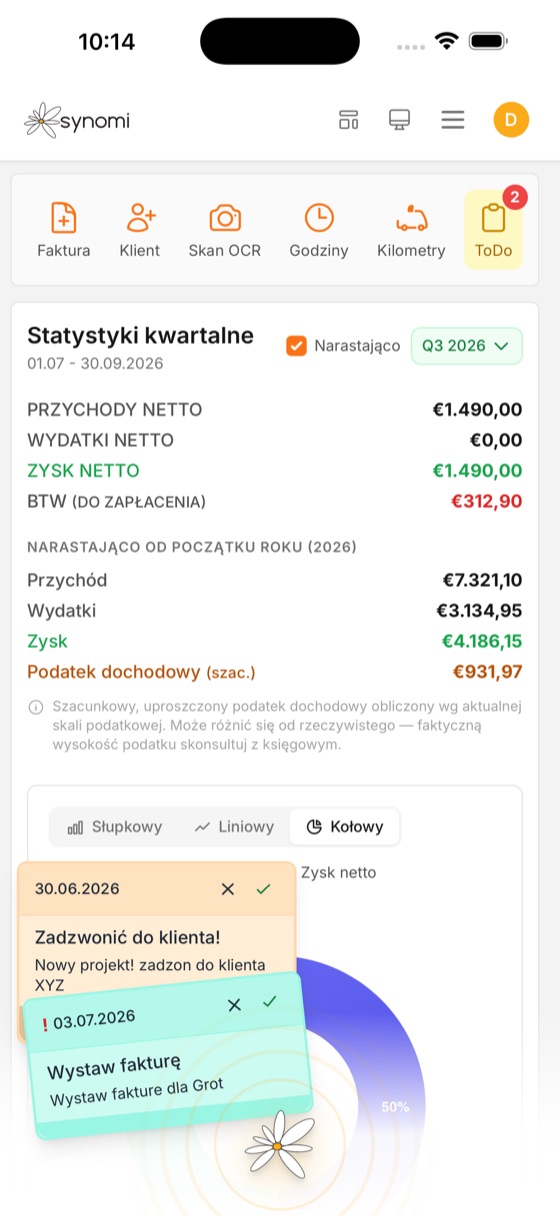
One of the most important things a business owner can know — the expenses. Keep your expense records yourself: add invoices by hand or load an XML — one click. That way you know whether your business is making a profit or a loss, you keep spending under control day by day and you can see what taxes will be due at the end of the quarter or the year. The statistics module also paints the picture for you on the desktop, at a glance. Expense records are built on the official expense catalogue in line with the Belastingdienst — you type it in, pick a category and that’s it. On top of that, Synomi stamps every expense you enter with a QR code that makes paying the invoice in your banking app easy — just scan it and the fields fill themselves in. Once an invoice is paid, the QR code no longer shows.
To your expense records you can add:
- invoices — in any currency; Synomi converts it at the European Central Bank rate,
- receipts,
- other proofs of purchase, e.g. contracts for buying margin-scheme goods.
You mark which documents are paid and which aren’t, and assign an expense category. Synomi will also keep an eye on the due dates of what you owe*.
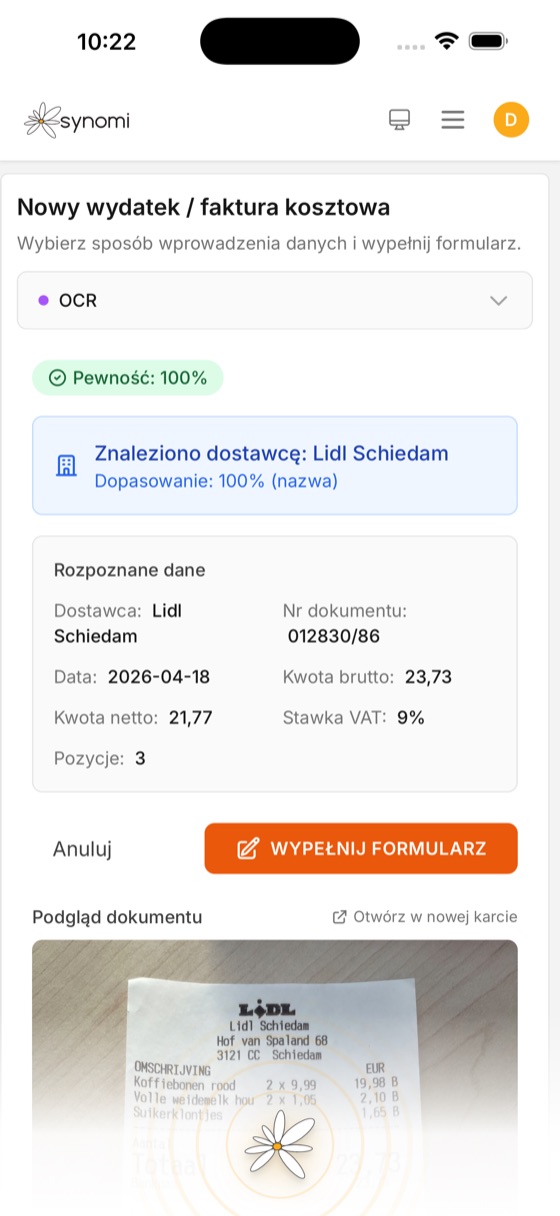
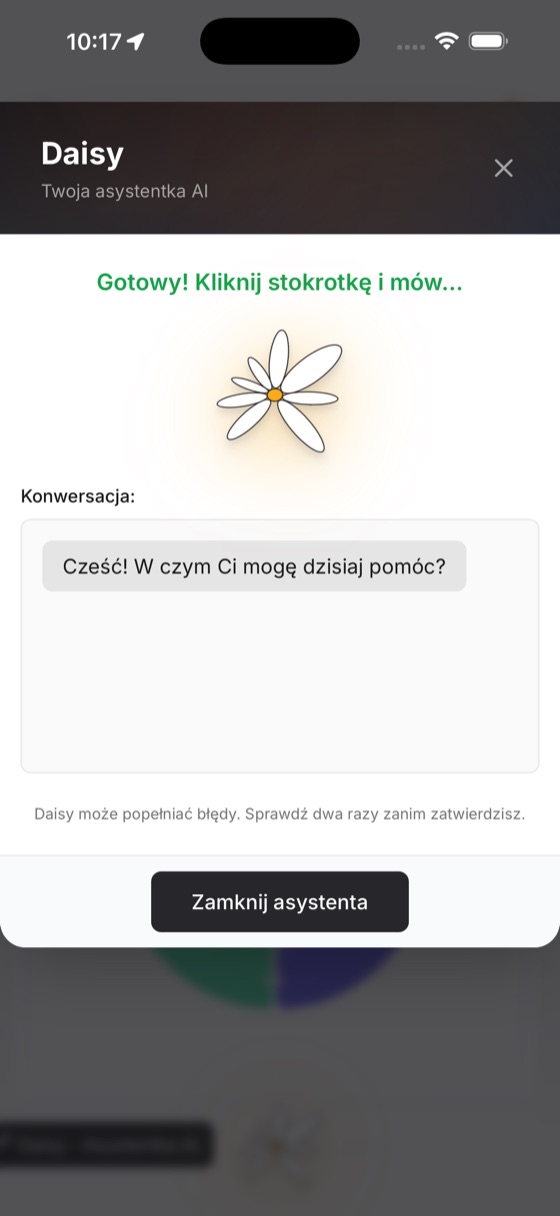
*) The module can be extended with the OCR scanner, which reads documents automatically, and with Daisy AI, which classifies your expenses and analyses them as you enter them — so nothing ends up in your records that shouldn’t be there. Watching the due dates of your payables requires the Calendar & admin module.